AI interior design
Redesign any room from one photo
Upload a photo of your kitchen, bedroom or living room — Roomvana's AI shows you what it could look like in 23 styles. Free to try.
3 free designs at sign-up
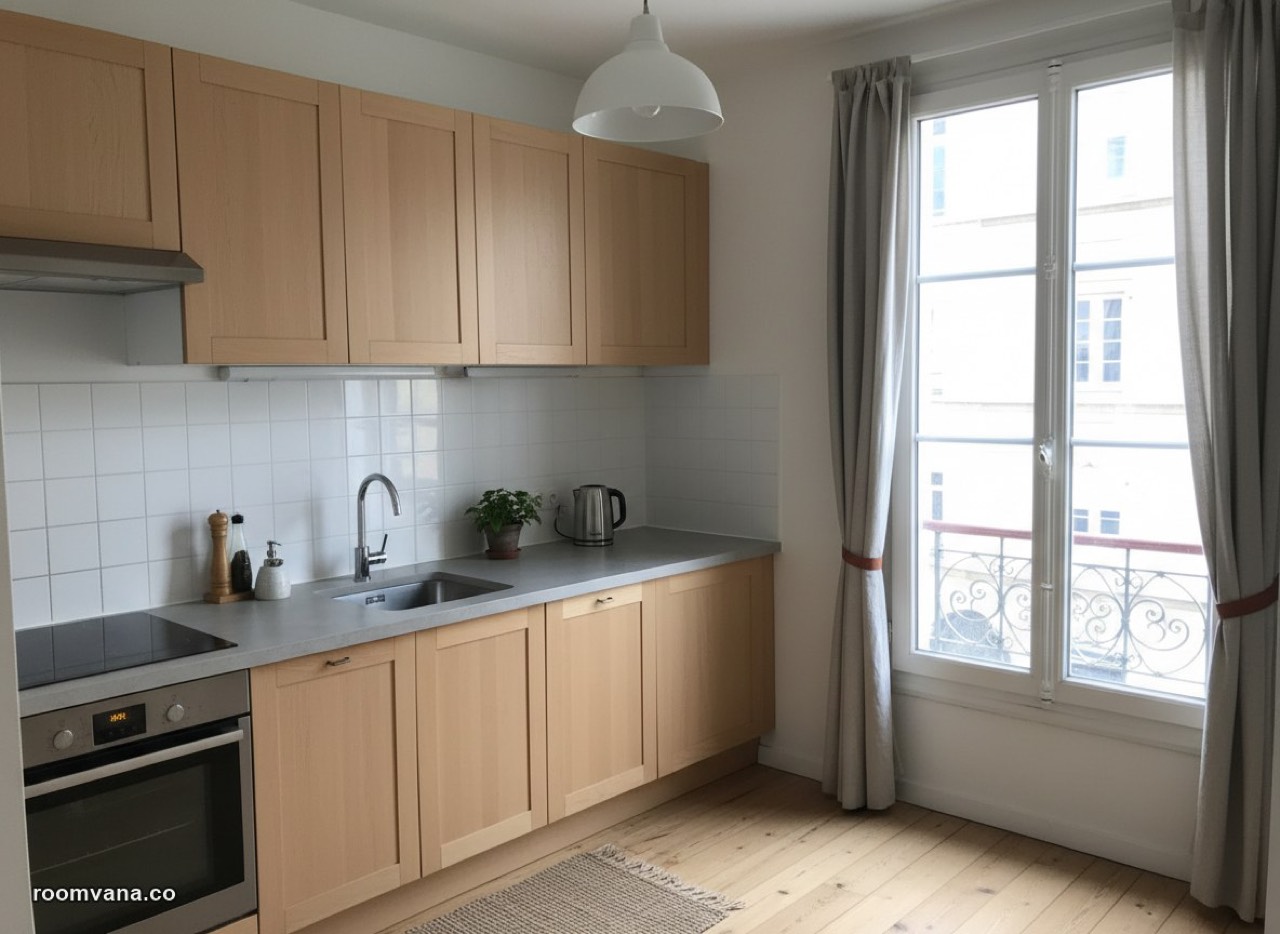 After
After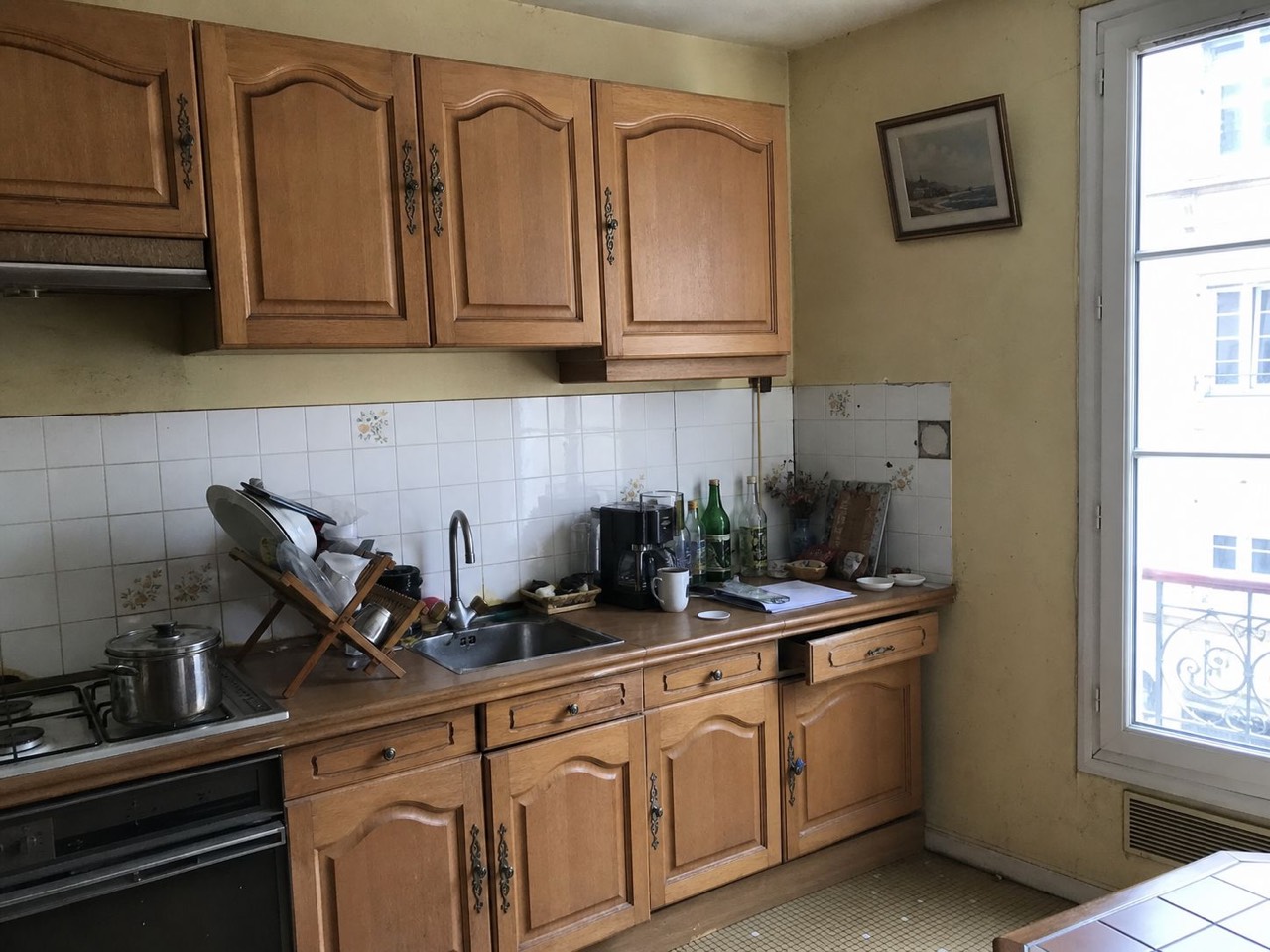 BeforeReal result · Scandinavian
How it works
Upload a photo
Snap or upload a photo of the room you want to change.
Pick a style
Choose from 23 styles — Scandinavian, Japandi, modern farmhouse and more.
See it redesigned
Get a realistic before/after in about 30 seconds. Download or try another look.
Every space in your home
Browse every space →Kitchens to gardens, all redesigned by Roomvana — hover any space to see the before.
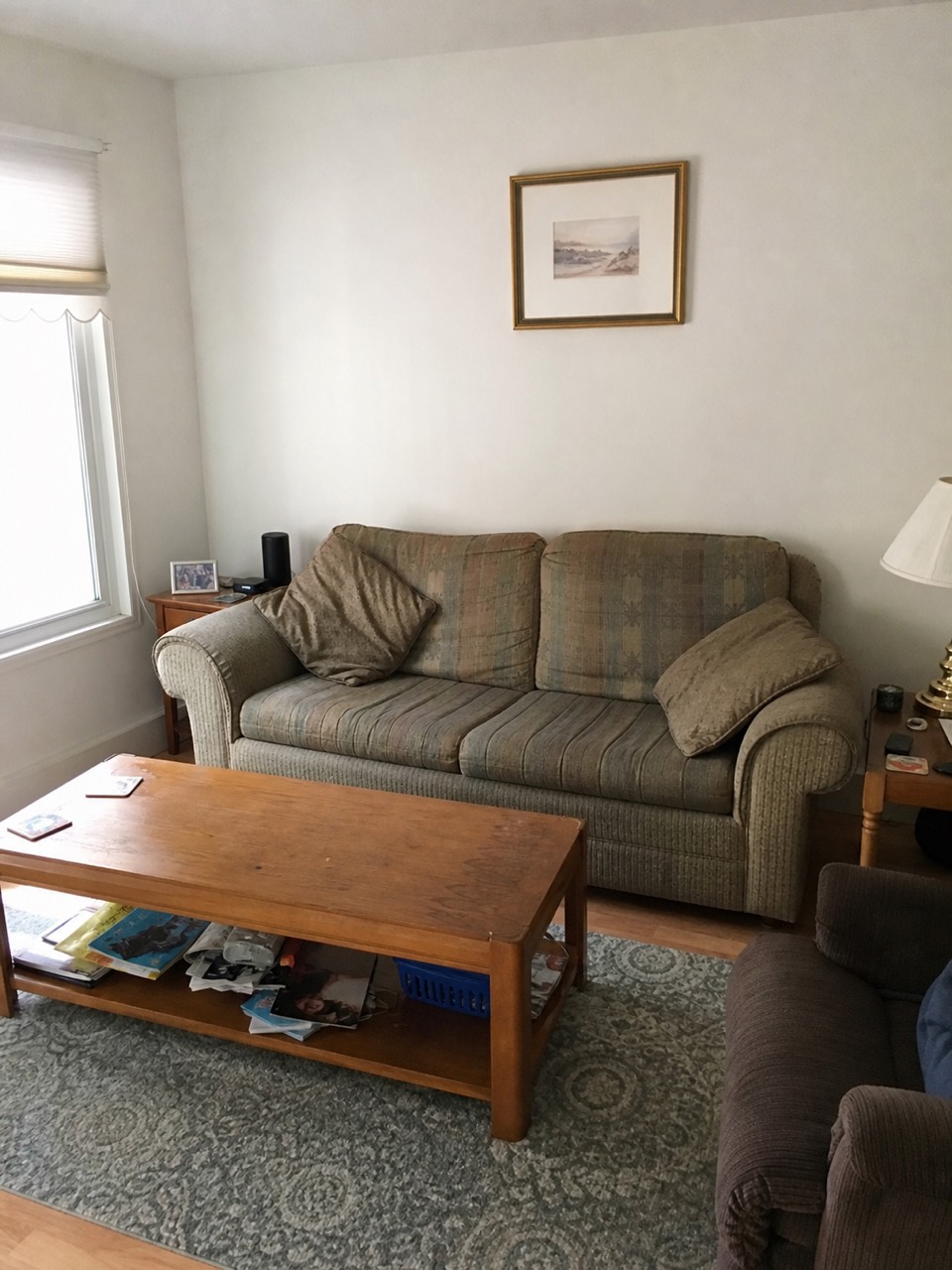
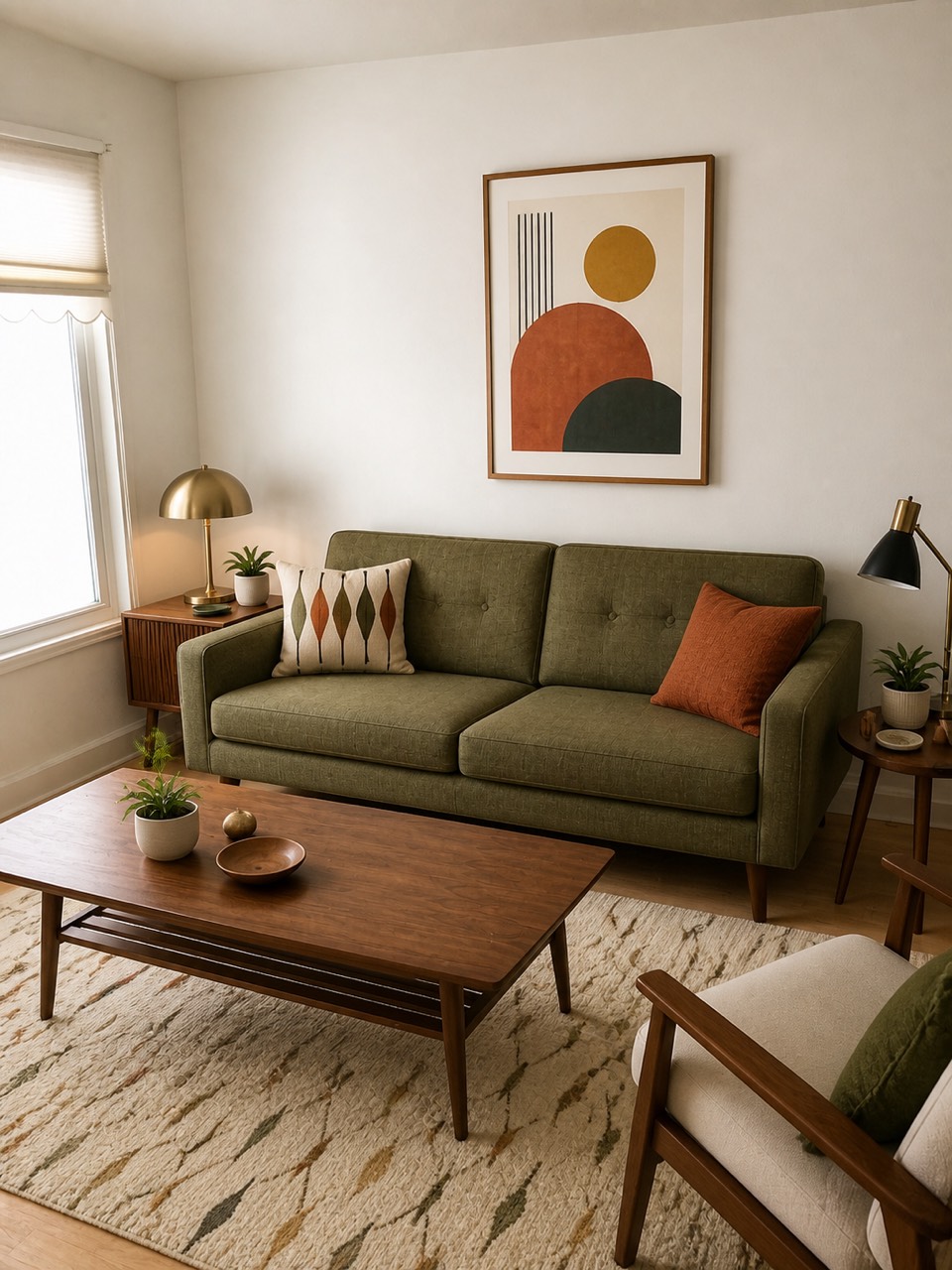
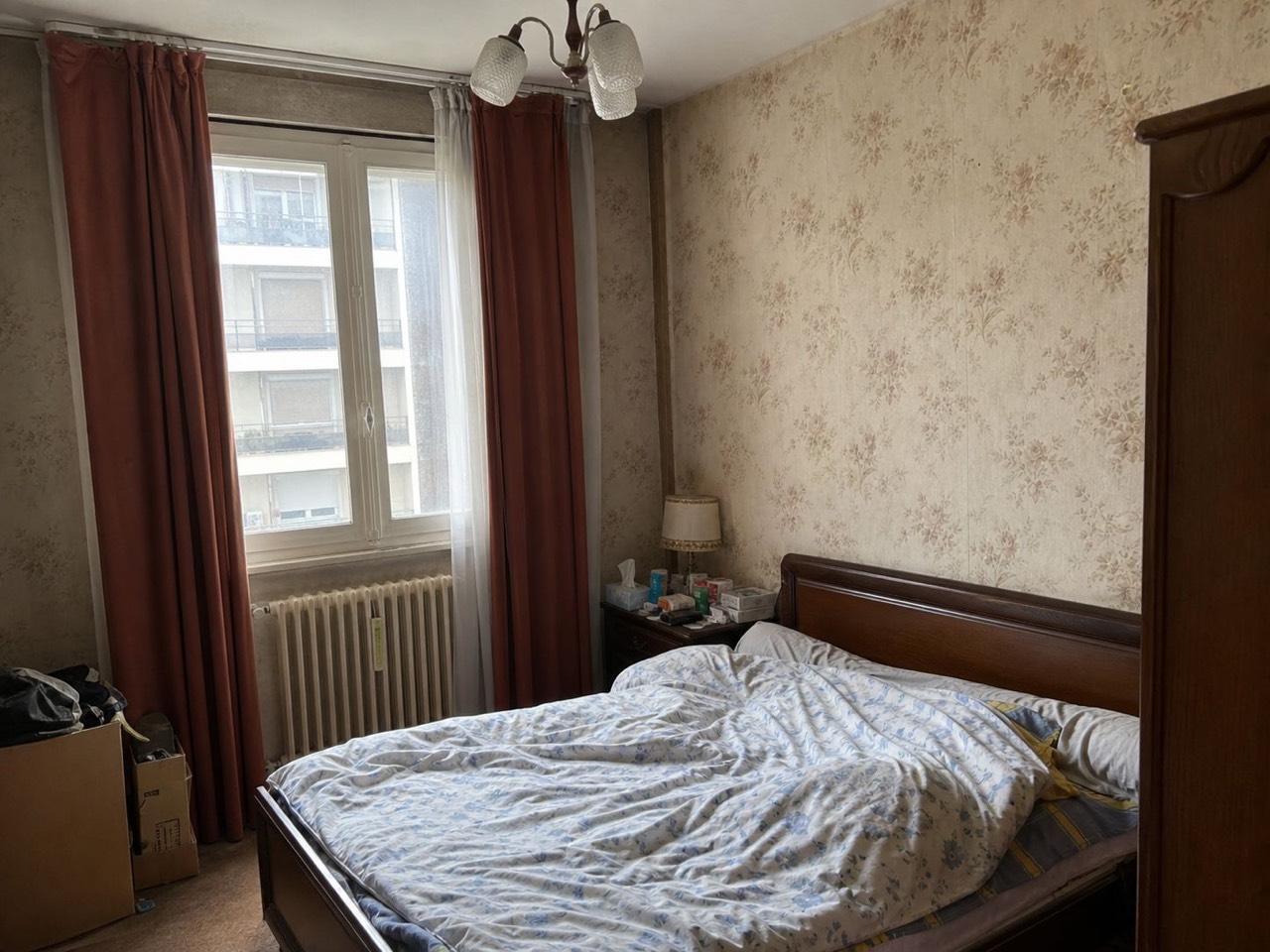
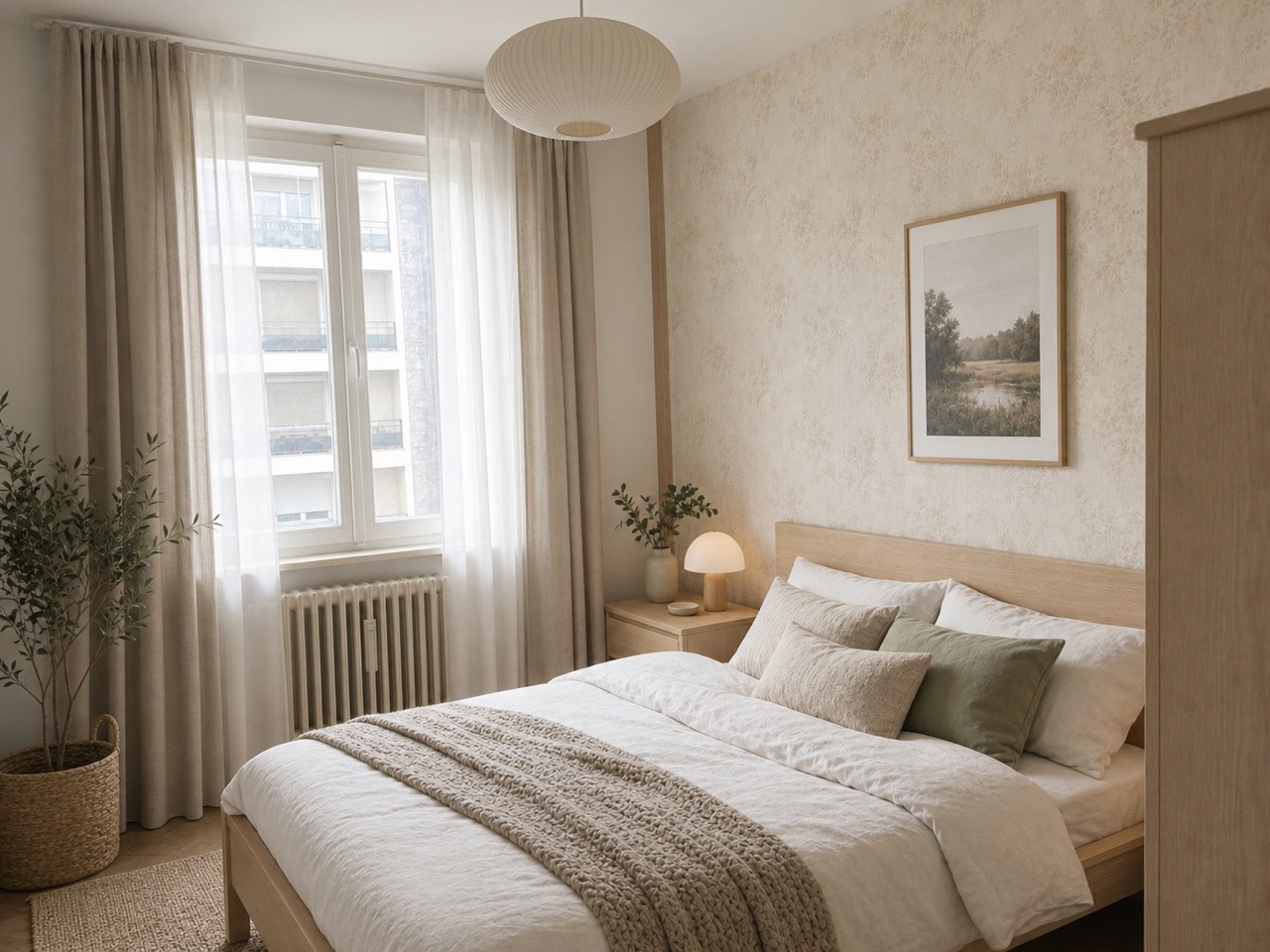
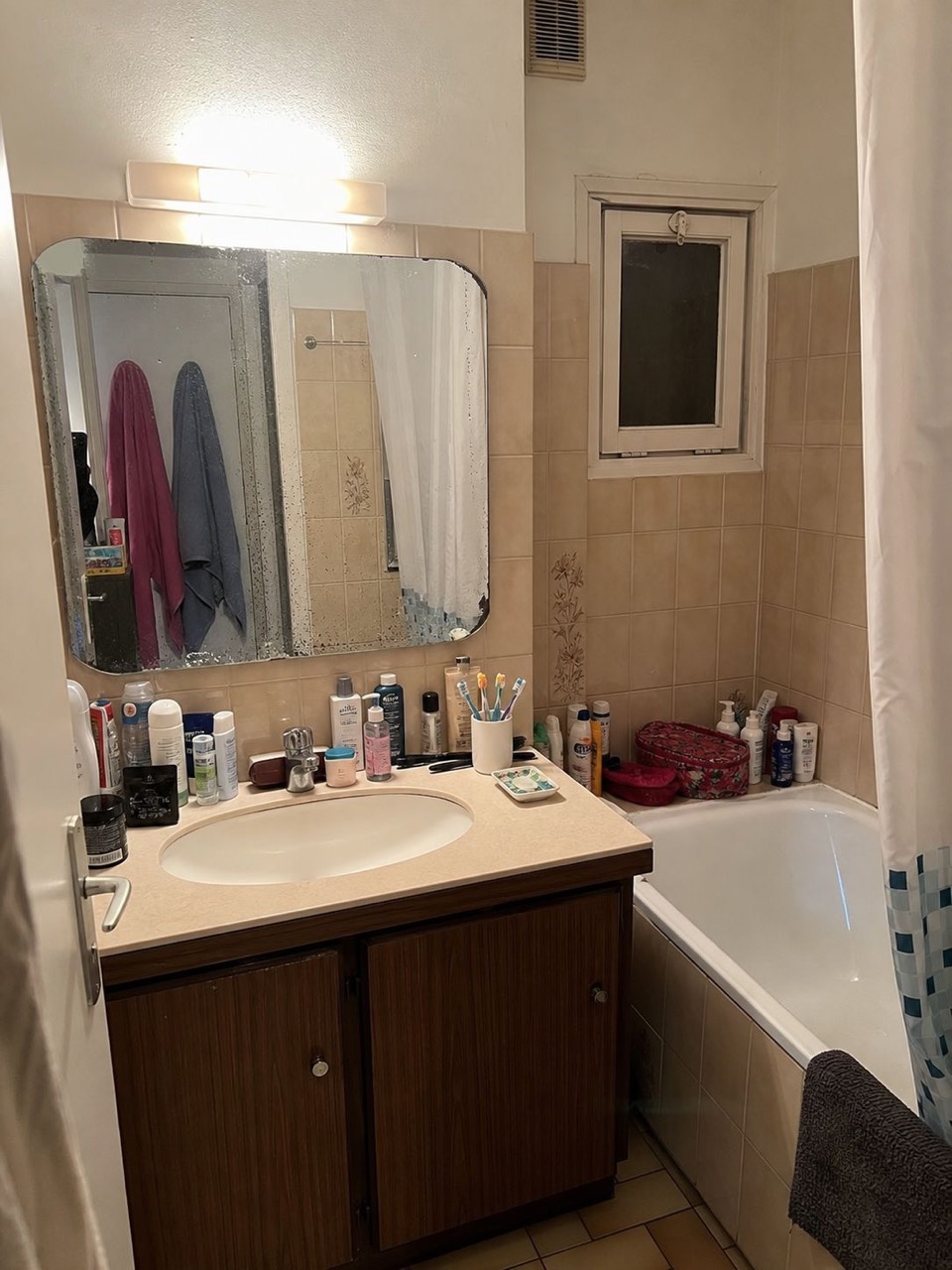
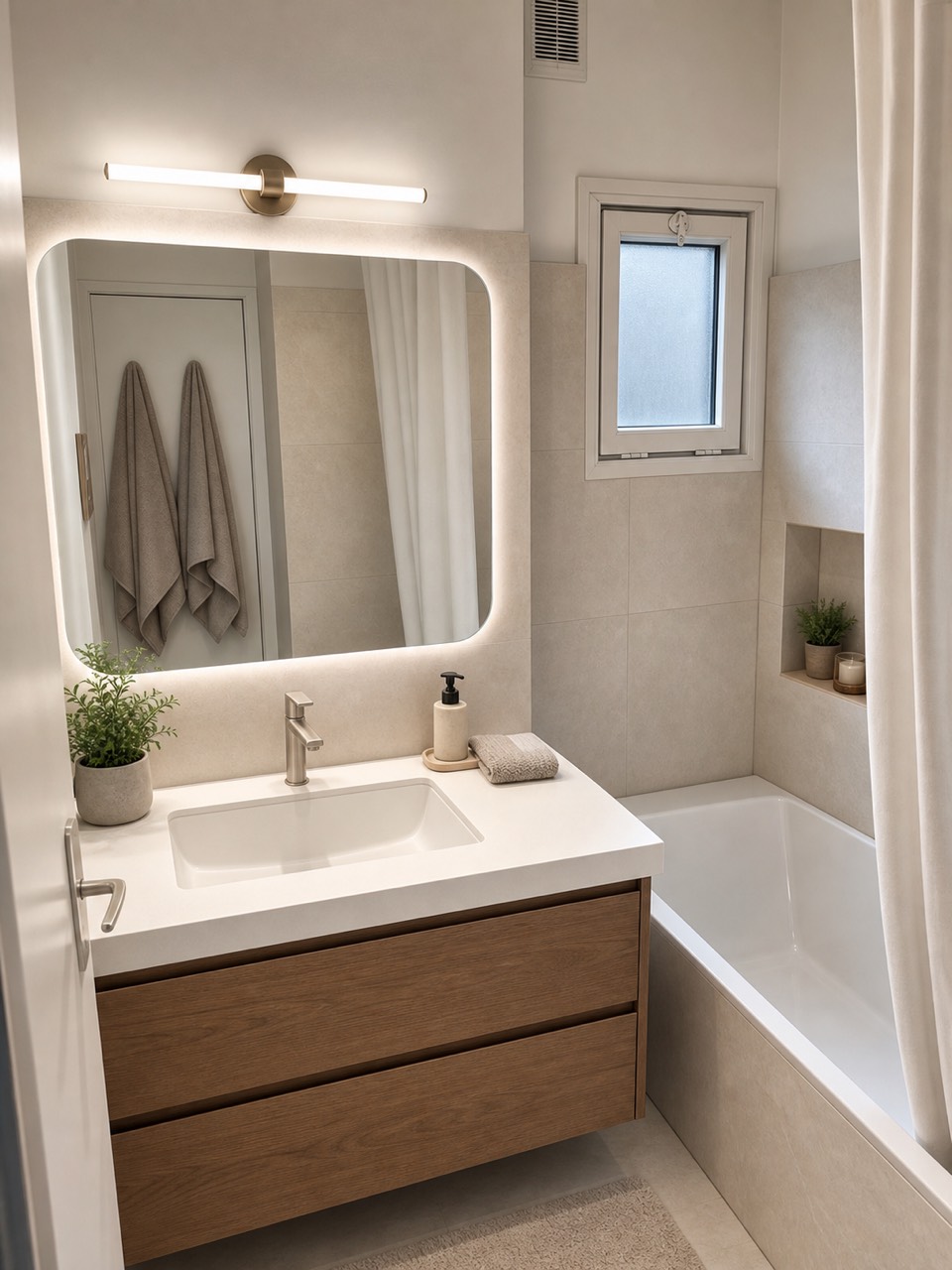
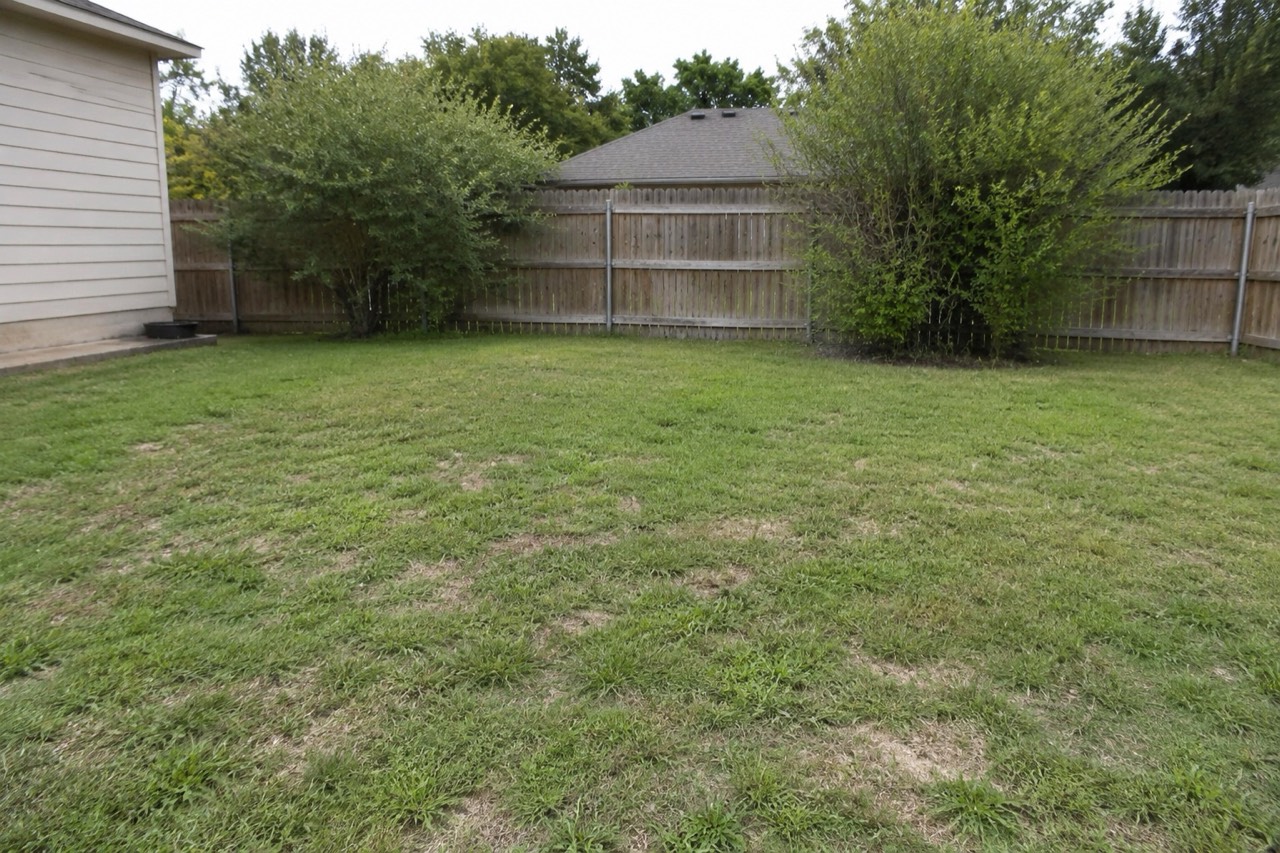
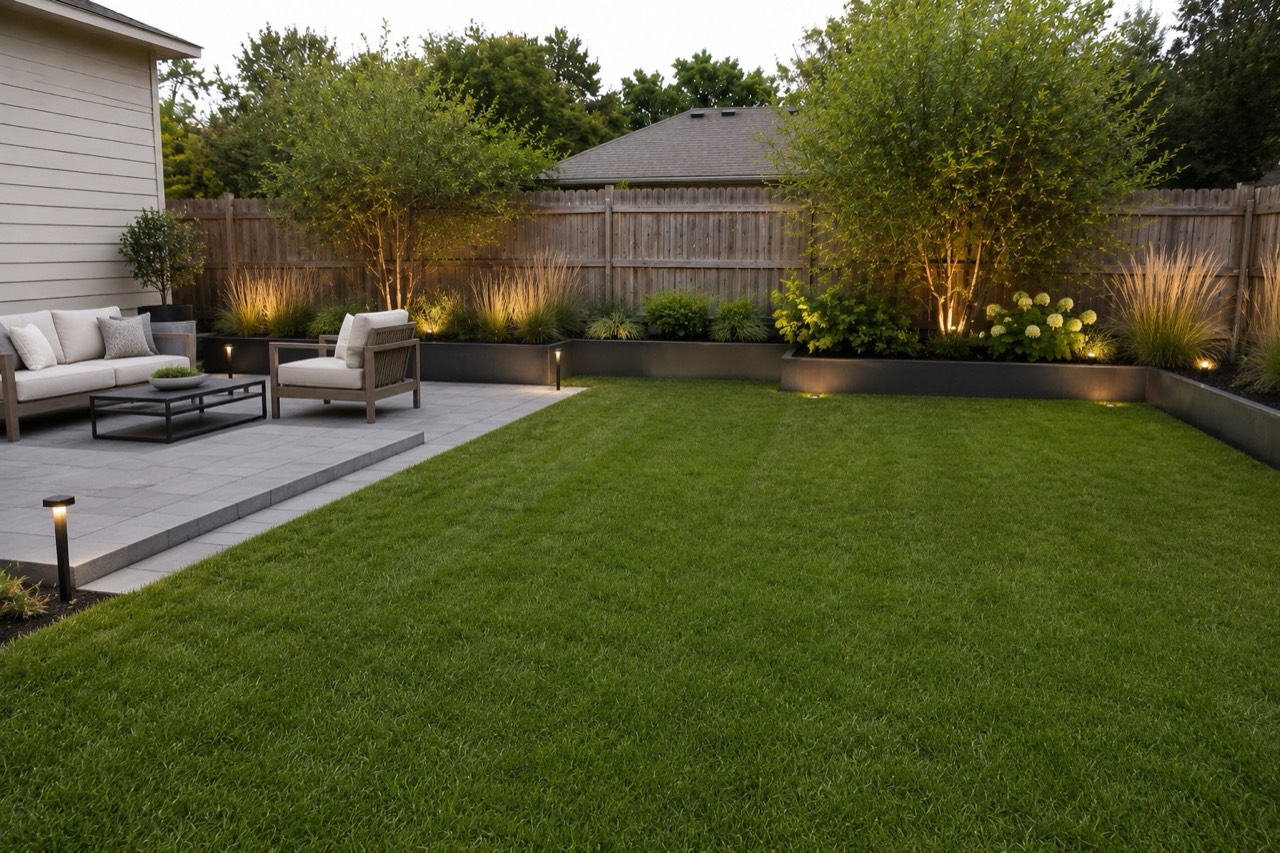
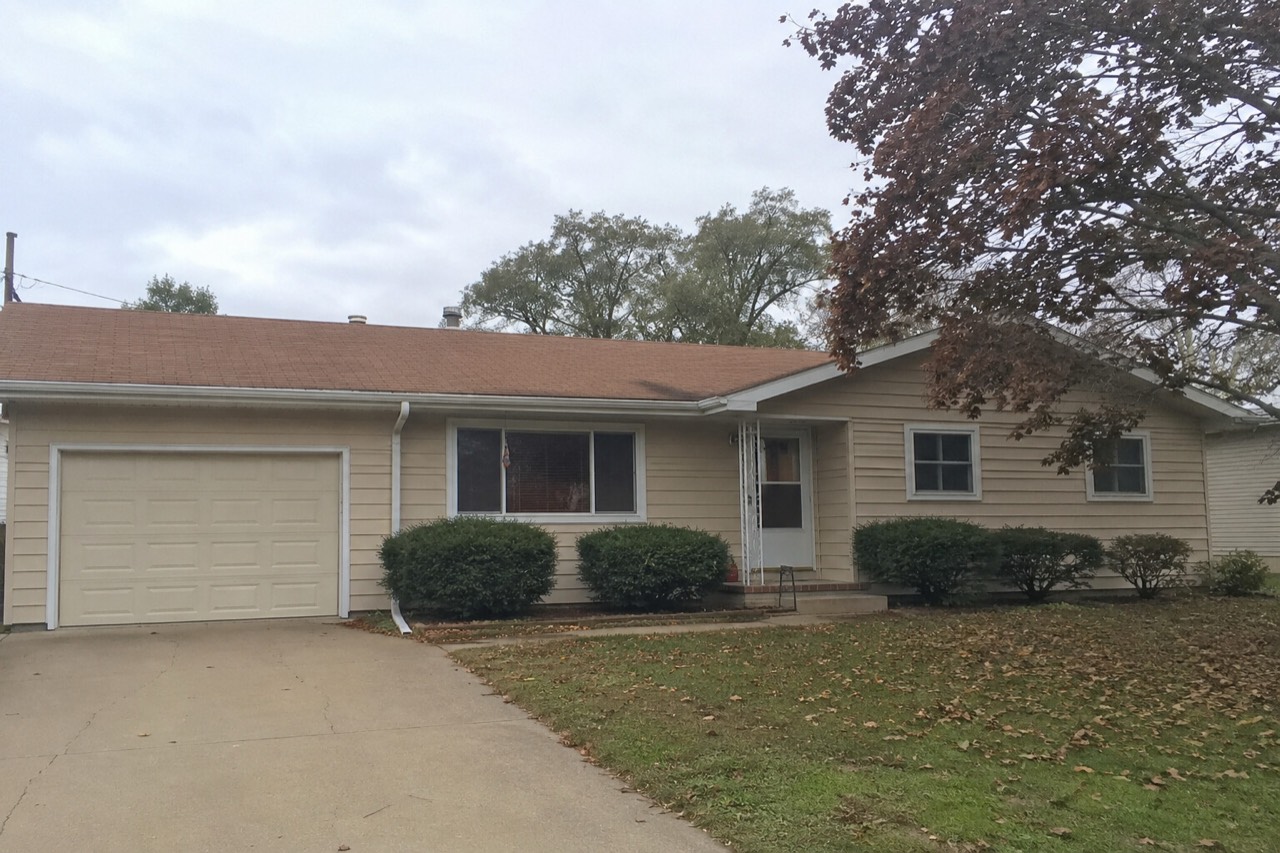
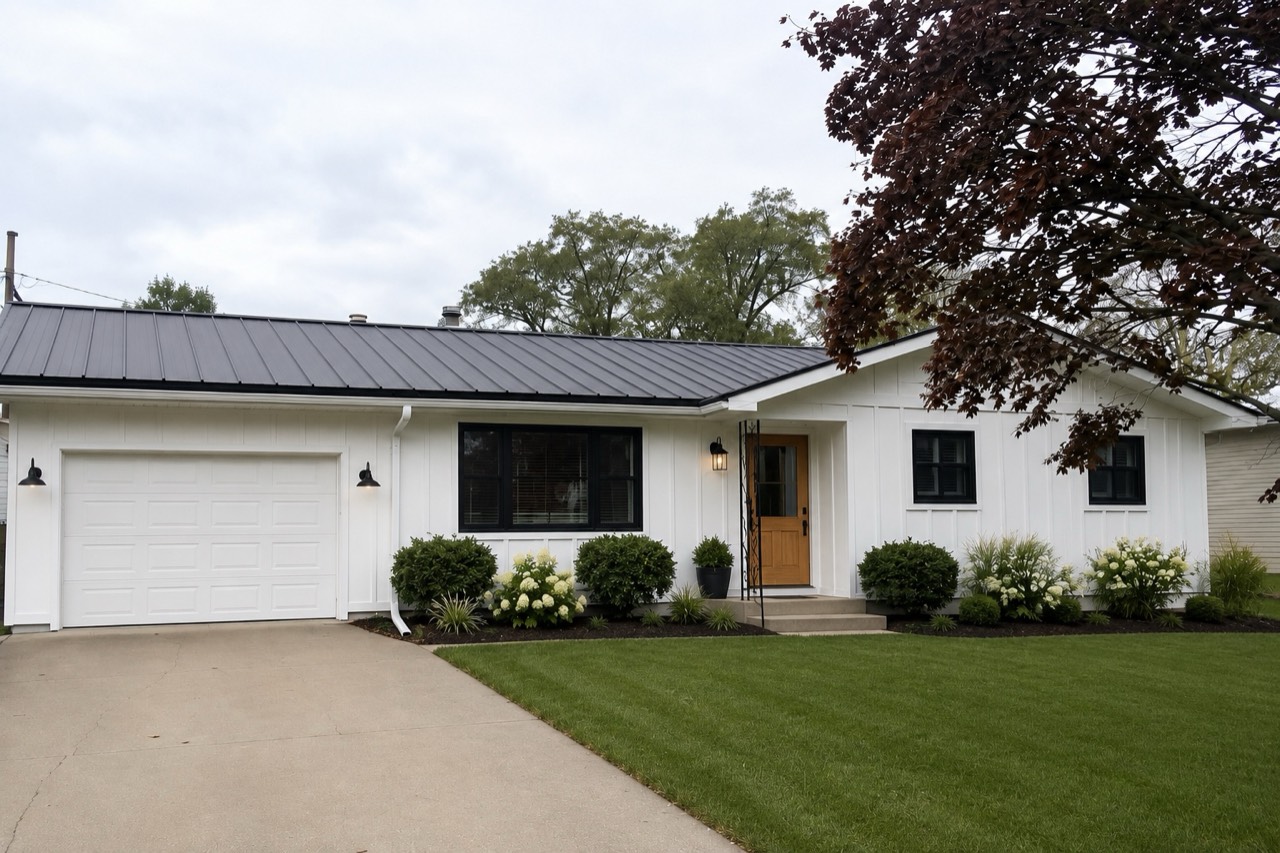
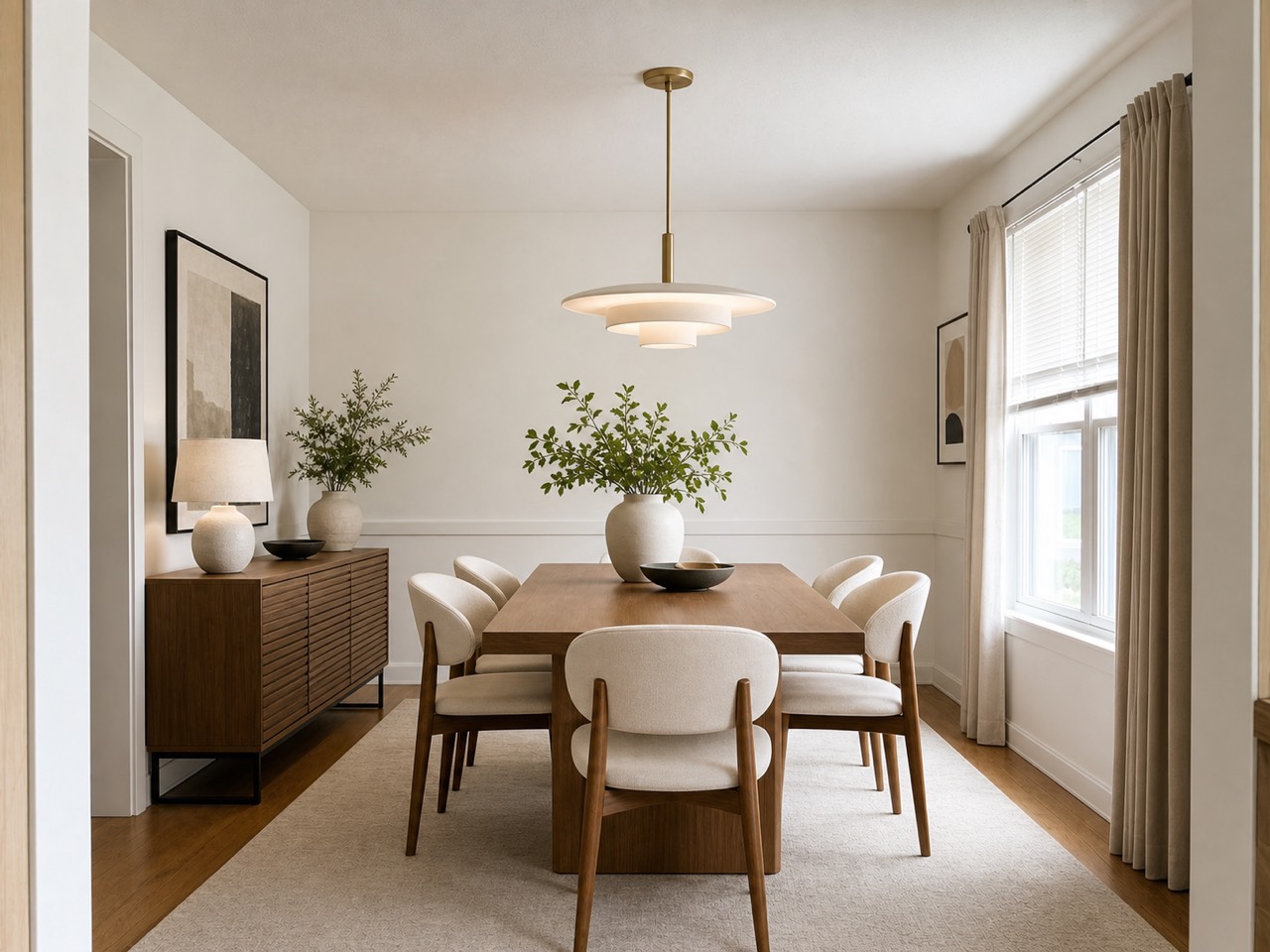 After
After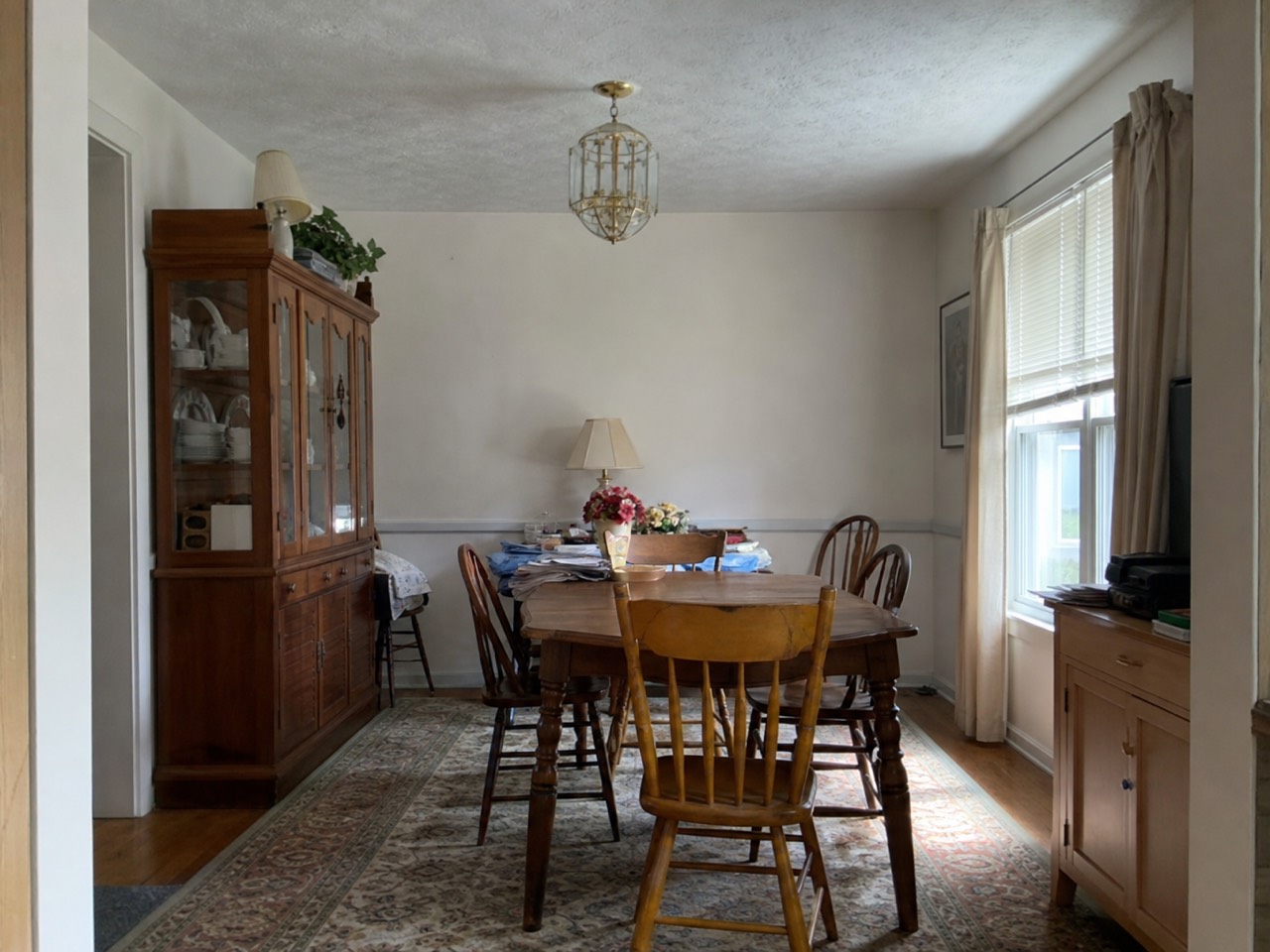 BeforeReal result · Modern
Same walls. Same windows. A new room.
Free to try
3 free designs on your own room to start — then credit packs that never expire, no subscription.
Your room, not a template
The AI keeps your walls, windows and layout, so results look like your actual space.
No design skills needed
No mood boards, no measuring. Upload, tap a style, and see the result.
Popular styles to try
Tap any style to open the design studio with it preselected.
Free
Perfect for exploring looks.
- · 3 free welcome designs
- · 23 styles, before/after slider
- · No card needed
Credit packs
For a full home makeover.
- · No watermark, 4K downloads
- · Commercial use
- · From $5.99 — credits never expire
Frequently asked questions
What is Roomvana?+
Roomvana is an AI interior design tool. You upload a photo of a real room, pick a style, and it renders a realistic redesign of that exact room in about 30 seconds — so you can see the look before spending anything on paint, furniture or a designer.
Is it really free to try?+
Yes. Every new account gets 3 free designs (watermarked) to try Roomvana on your own room, and you can explore all the styles on our example photos before signing up. After that, credit packs start at $5.99 for 10 designs and never expire — no subscription.
Do I need to sign up to try it?+
You can load an example photo and explore styles without an account. To redesign your own photo you'll create a free account — it takes a few seconds and comes with 3 free welcome designs.
Will the AI keep my room's structure?+
Yes. Roomvana redesigns furniture, colors, materials and decor while keeping your walls, windows, doors and overall layout in place, so the result actually looks like your room — just restyled.
How long does a design take?+
Most designs come back in roughly 20–30 seconds, and you get two options to compare. Upscaling your favorite to 4K takes a few seconds more.
What happens to my photos?+
Your photos stay private and are never used to train AI models. They're stored only so you can revisit your designs, and you can delete them any time by removing them from your gallery or deleting your account.